AI Tutor can help directly beside a board when a student wants a hint, a step check, an explanation, or a practice problem. The tutor uses the board work it can see, but the chat is private to the person who opens the panel.
AI Tutor on boards
Open AI Tutor from the board
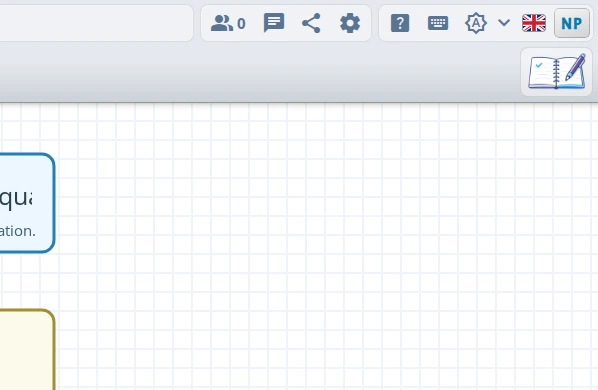
Click the AI Tutor button in the lower-right corner of the board. The panel opens next to your board, and you can move it to the left or right side with the dock button in the panel header.
Students and parents may also see a tutor prompt after working alone on a board for a while. Opening the prompt starts the same private AI Tutor panel.
Start with a focused request
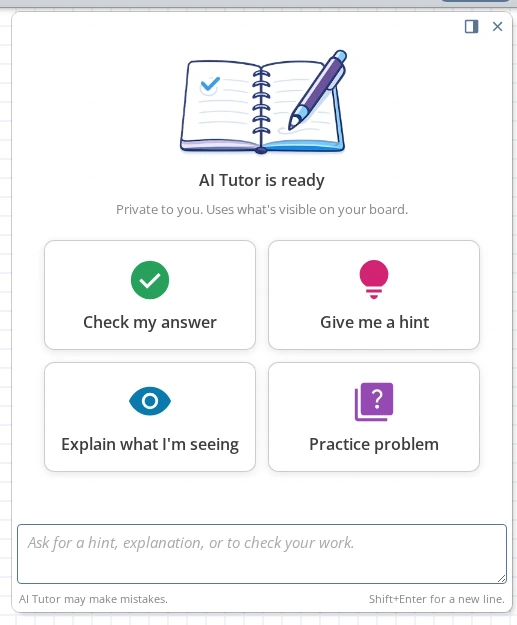
The empty panel offers four quick starts:
- Check my answer
- Give me a hint
- Explain what I'm seeing
- Practice problem
You can also type your own request. Press Enter to send, or Shift+Enter for a new line.
Use board context without retyping everything
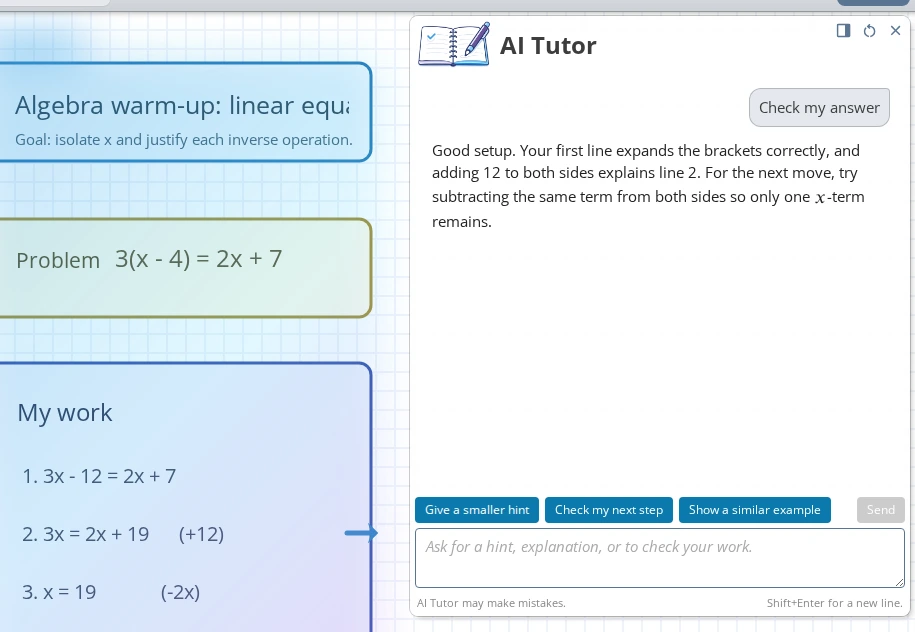
AI Tutor can use the selected objects, recently changed content, or the visible part of the board as context for your question. Select the step, diagram, or work area you want help with before asking when you want the tutor to focus on something specific.
If the board is zoomed too far out, iDroo asks you to zoom in so the tutor can read clear text. The tutor may offer quick replies after a response, and you can use Start over to reset the board-specific tutor session.
Access, seats, and limits
AI Tutor requires plan access, an active AI Tutor seat, or trial access. If it is not included, account owners can upgrade or add AI Tutor seats; team members should ask the account owner.
Usage limits can pause new messages until the limit resets or the subscription is updated. The panel shows the limit notice when that happens.
Use it as a coach
AI Tutor is designed to support learning, not replace the learner's work. Good board requests include asking for the next hint, checking one step, explaining a visible diagram, or generating a similar practice problem.
When a student asks only for the final answer or a completed deliverable, the tutor should redirect toward reasoning, hints, or a step the student can try next. It can make mistakes, so students should still check the reasoning and final work.