November keeps crowded boards responsive and tidy.
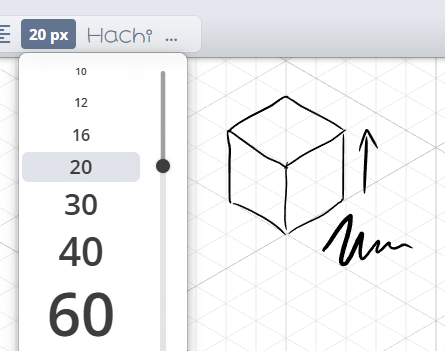
A new isometric grid background is available for angled layouts.
Boards stay responsive even when they are packed with shapes, notes, and homework.
A monthly roundup of the biggest improvements since April 2024.
Updated November 2025
November keeps crowded boards responsive and tidy.
A new isometric grid background is available for angled layouts.
Boards stay responsive even when they are packed with shapes, notes, and homework.
October adds tools that guide attention and manage access.
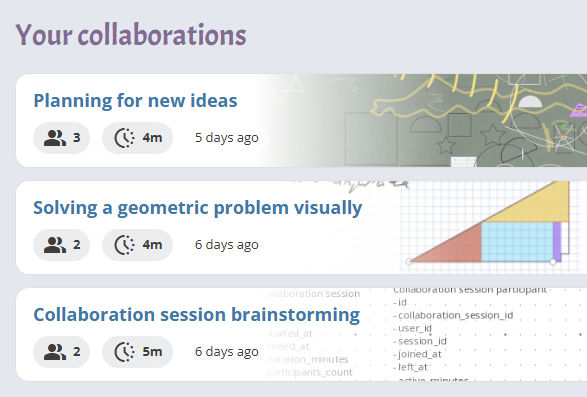
Dashboard home now surfaces recent collaboration activity, quick actions, and key cards in one view.
Collaboration Insights include participant views, profile photos, and timestamps for reviewing sessions.
Toolbar can collapse automatically to keep more canvas space available.
Laser pointer and attention reminders highlight key steps and show when someone leaves the board.
Added mic and camera pickers to the call experience and grouped sharing permissions together.
Introduced arc tools, grouped math curves, and centre-based shapes to extend the geometry toolset.
Released a dark theme with a toggle for switching between light and dark views.
Assignments now export to Excel in one click, and the equation editor supports multiple colours.
New guides cover the laser pointer, attention reminders, and curved shapes. Collaboration time and dashboard guides updated to match the new experience.
Added some Chinese and Japanese fonts to keep text crisp.

Video calls take centre stage while policies keep shared accounts under control.
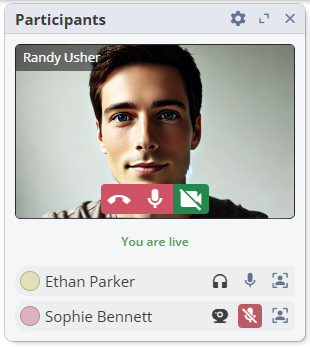
Participants now get a large webcam view, making remote tutoring and walk-throughs easier to follow.

We aligned Estonian VAT with the latest rates and tightened up reliability.
Estonian invoices now reflect the updated 24% VAT rate automatically.
Activity tracking keeps boards in sync even if a save attempt fails.

Boards look and feel better with new themes and more precise drawing tools.
Three new blackboard-inspired backgrounds (green, gray, blue) join the lineup, paired with a softer pattern contrast that is easier on the eyes.
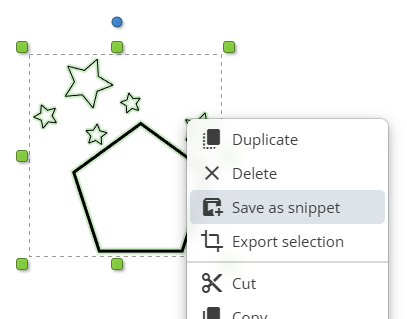
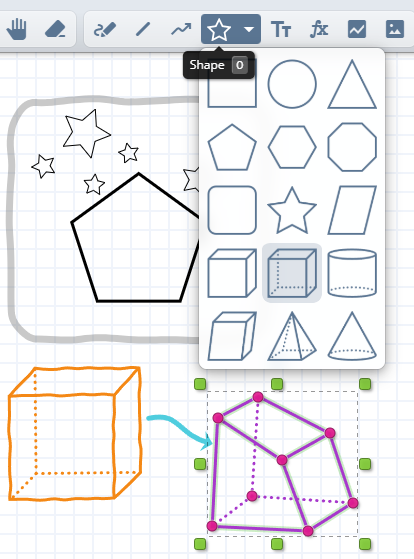
Shapes gain a true equilateral triangle and a new trio of useful options.
Connectors and polylines now split segments cleanly, making edits feel natural.

March was packed with new ways to present ideas and keep boards organised.
Stickies have their own tool with gradient backgrounds, inline editing, and a friendly cursor.
New Polyline and Curve tools make it easy to sketch flows, connectors, and diagrams.
Style presets arrive with a compact hanging toolbar that adapts on smaller screens.
Pens now respond to the board with adaptive light and dark themes, keeping colours legible on any backdrop.
Assignments guide refreshed with the latest workflows.
We introduced advanced graph capabilities and opened assignments to more teams.
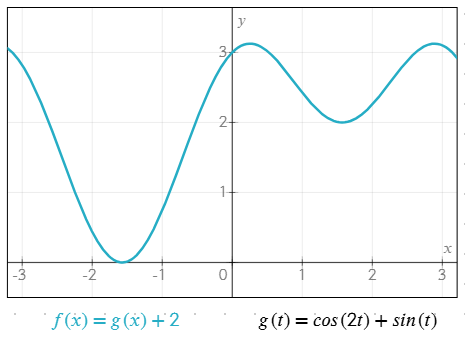
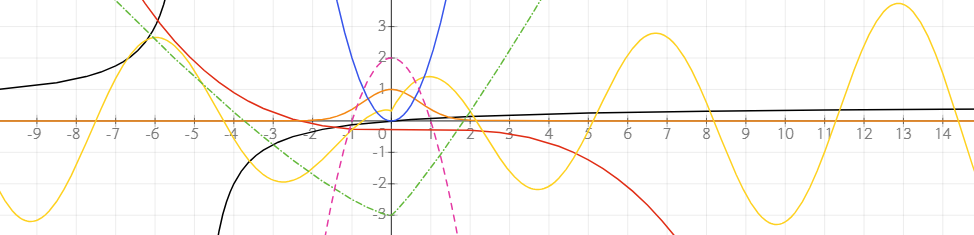
Custom functions, plus new min, max, and frac helpers, unlock richer graphing lessons.
Assignments are now available on the free plan (with sharing limits) so classes can try before upgrading.
Assignments translations expanded alongside the new release.

The new year opened with a full assignments workflow and friendlier drawing tools.
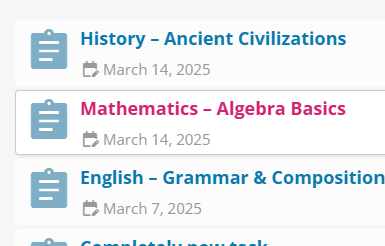
Send assignments, browse clear lists with filters, and archive finished work to stay organised.
Pen presets introduce reusable styles, fine-tip control, a smaller cursor, and pixel-perfect drawing at 100% zoom.
Assignments documentation extended with the new tools.

Graphing moved out of labs with a polished interface and better performance.
Graphing launched for paid plans with a precision crosshair, equation-controlled stroke widths, and alignment options that keep maths readable.
Thumbnails for huge boards render faster thanks to smarter clipping and resumable draws.
Refreshed menus, and updated Help Center visuals.
New upgrade page, graphing tutorials, and refreshed Help Center imagery.

We added clear reminders and emails that help teams decide what to do after a trial.
Trial reminders now cover credit-card-free plans, highlighting what changes when the timer ends.
Friendly follow-up emails arrive a few days after the trial so decision makers have all the context they need.
October focused on welcoming new teams while sharpening the editing experience.
You can now start a Standard trial without a credit card and verify your email from inside onboarding, complete with a resend option.
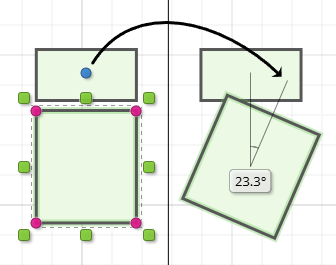
Rotation and transform overlays show live angles, deltas, and snapping cues so edits feel intuitive.
Grouped alignment commands round out the polishing pass.
German, French, Italian, and Turkish translations joined the lineup with structured copy across the site.
German documentation packed with the latest screenshots.

We removed a quirk that occasionally dropped users onto the wrong screen after logging in or signing up.
Successful authentication now always lands you on the right dashboard.
Connectors matured into a production-ready tool for building clean diagrams.
Stable connect-point detection and the ability to lock onto a specific target keep lines tidy.
Connector history and smarter snapping mean quicker edits with predictable results.
Tooltips and translations now highlight the connector shortcut, so teams adopt it faster.

June laid the groundwork for connectors and refreshed the UI in the process.
Connector foundations shipped with better snap points for shapes and two-pass detection for the first anchor.
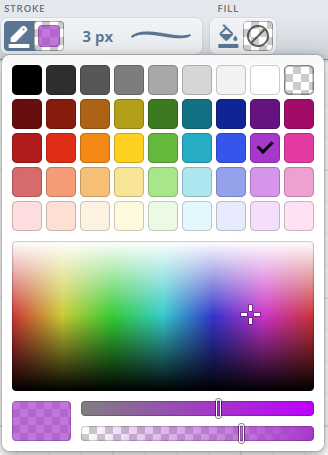
Fresh SVG cursors, an adaptive colour picker, and smarter toolbar defaults keep the interface readable on any background.
Legacy browsers gained fixes for formula tools and canvas rendering.

May brought personalisation to the forefront.
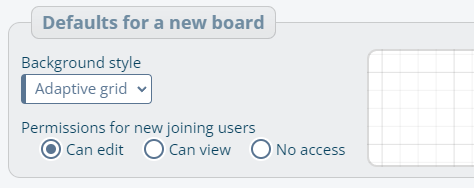
A new Preferences page lets you pick default backgrounds, tool behaviour, and more - and new boards honour those choices.
The toolbar now revolves around shapes with a growing library, cached paths, and quick switching.
Pen styling improves with new line patterns, better active states, and cleaner selection visuals.

Our starting point for this log: new board looks and smoother invite flows.
Lined, blackboard, and graph grid backgrounds give each board a purpose-built vibe.
Following another editor now glides smoothly, and invite flows behave even when links were previously missing or expired.
Mouse-wheel zooming feels natural, and boards wait for formula fonts before adding new maths so nothing jumps around.
Translation updates across invites and follow-up messages.