The practical problem
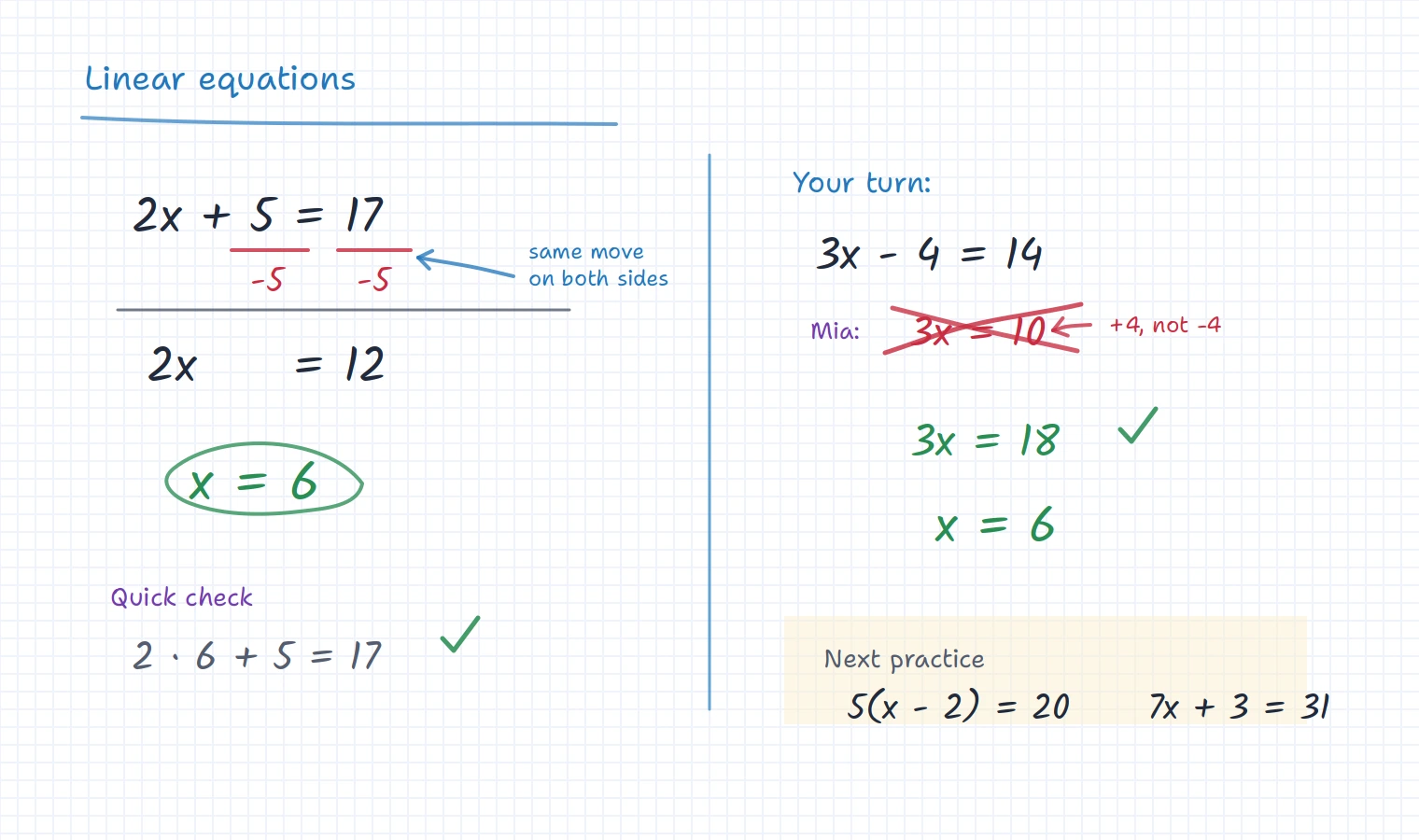
A teaching whiteboard has to do more than open a blank canvas
For a live lesson, the board is where the teacher thinks out loud. It needs to be quick enough for explanation, clear enough for student participation, and persistent enough that the work can be used again.
That is where iDroo fits best: as the working surface for teaching, not just a place to draw for a few minutes before everything is lost.
A shared place to explain
Write, draw, add images, use math tools, and keep the explanation visible while the student follows along.
Room for student thinking
Let students try a step, mark up a worksheet, or show their reasoning beside your explanation instead of only watching.
Work that survives the call
Keep boards, lesson materials, assignments, and feedback available so the next lesson can start from what actually happened.
During the lesson
Teach in the same space where students can respond
In a typical online lesson, the teacher explains, asks a question, waits for the student to try, then adjusts the next example. iDroo keeps that loop visible.
- Start with a prepared board, an empty space, or an uploaded worksheet.
- Write or draw while students watch in real time.
- Give the student space to attempt a step or annotate the same material.
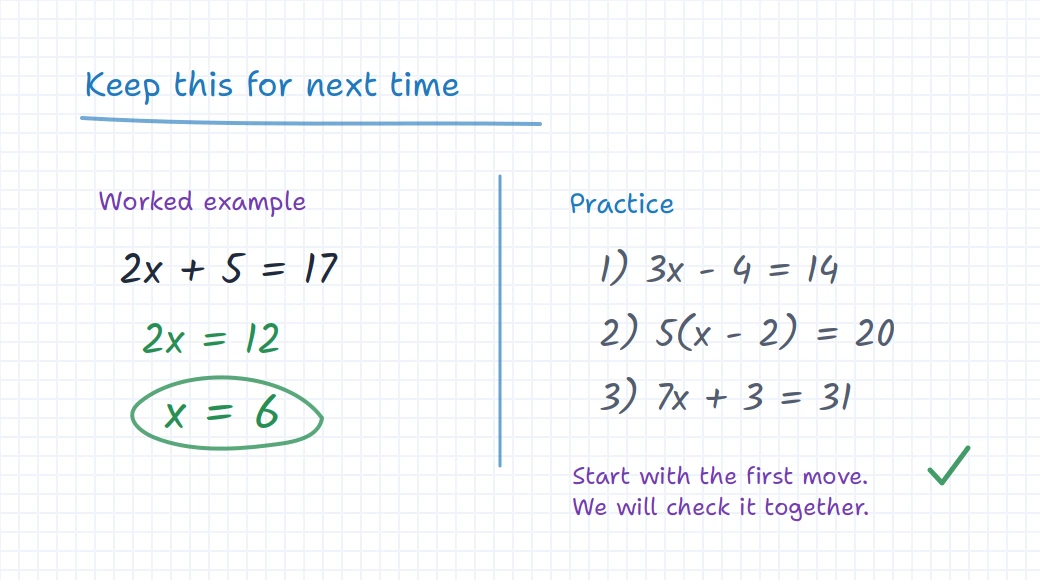
- Treat the board itself as the lesson record: leave the key examples, corrections, and practice notes there so students can return to them later.
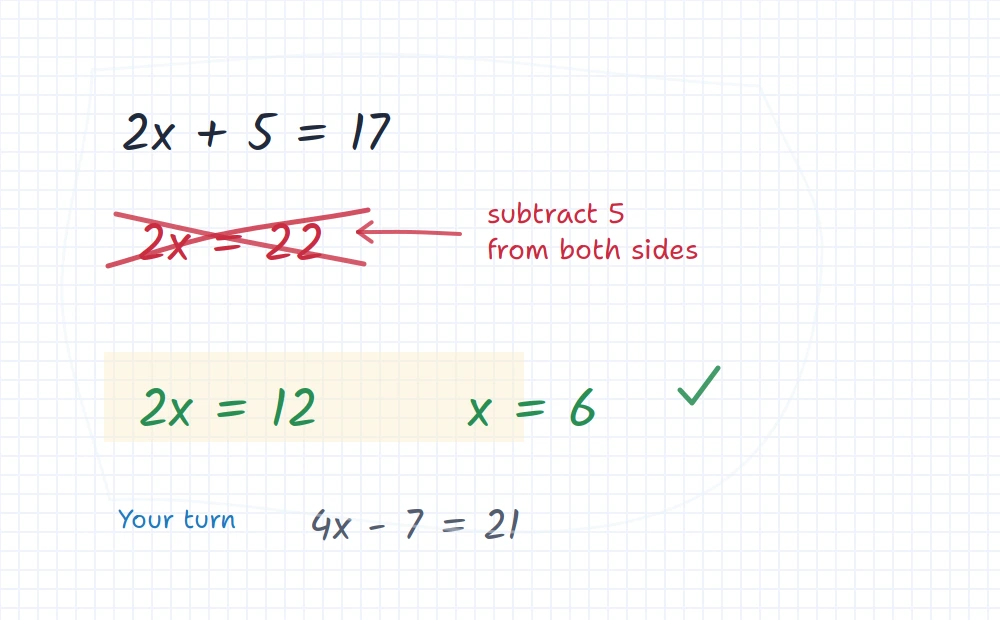
This matters most when the lesson depends on process: solving an equation, marking a paragraph, labelling a diagram, or reviewing homework. The student can see the thinking, not just the final answer.
A useful rule of thumb
If a student might need to look at it again before the next session, keep it on the board or attach it to a course lesson. Live teaching becomes much easier to continue when the worked example, mistake, correction, and follow-up task are still in one place.
After the call
Turn the live lesson into something students can continue from
A live board is useful during the lesson. It becomes more valuable when it helps with the next step.
Teachers can save boards, organize materials into courses, add assignments, and use Study practice when students need more guided work. That makes iDroo useful for different teaching styles: a tutor can keep it lightweight, while a teacher with several groups can add more structure over time.
The important part is continuity. Students know where to find the lesson work, and teachers do not have to rebuild the same explanation every week.
Before you try it
Questions teachers usually ask
How is this different from the whiteboard in a video call?
Meeting whiteboards are useful for quick sketches. iDroo is built around persistent teaching work: boards, math tools, files, assignments, courses, and student follow-up can stay available after the call.
Do students need an account before a lesson?
Teachers can invite students to boards and classes depending on the workflow. For simple live teaching, the goal is to get students onto the shared board quickly; for longer-term courses and assignments, accounts make progress and feedback easier to manage.
Can I use it for math and worksheets?
Yes. iDroo supports board drawing, images, documents, equation work, graphing, and other visual teaching tools, so it fits math explanations, worksheet review, diagrams, and written feedback.
What happens after the lesson ends?
The board can remain available for review, and teachers can build more structure with courses, assignments, and Study practice when they want students to continue working between sessions.