Online lessons
An online whiteboard for lessons that keep moving before, during, and after the call
iDroo gives teachers one place to prepare a board, teach live, let students participate, and turn the lesson into follow-up work without scattering everything across separate tools.
The wider lesson problem
An online lesson is more than a blank whiteboard
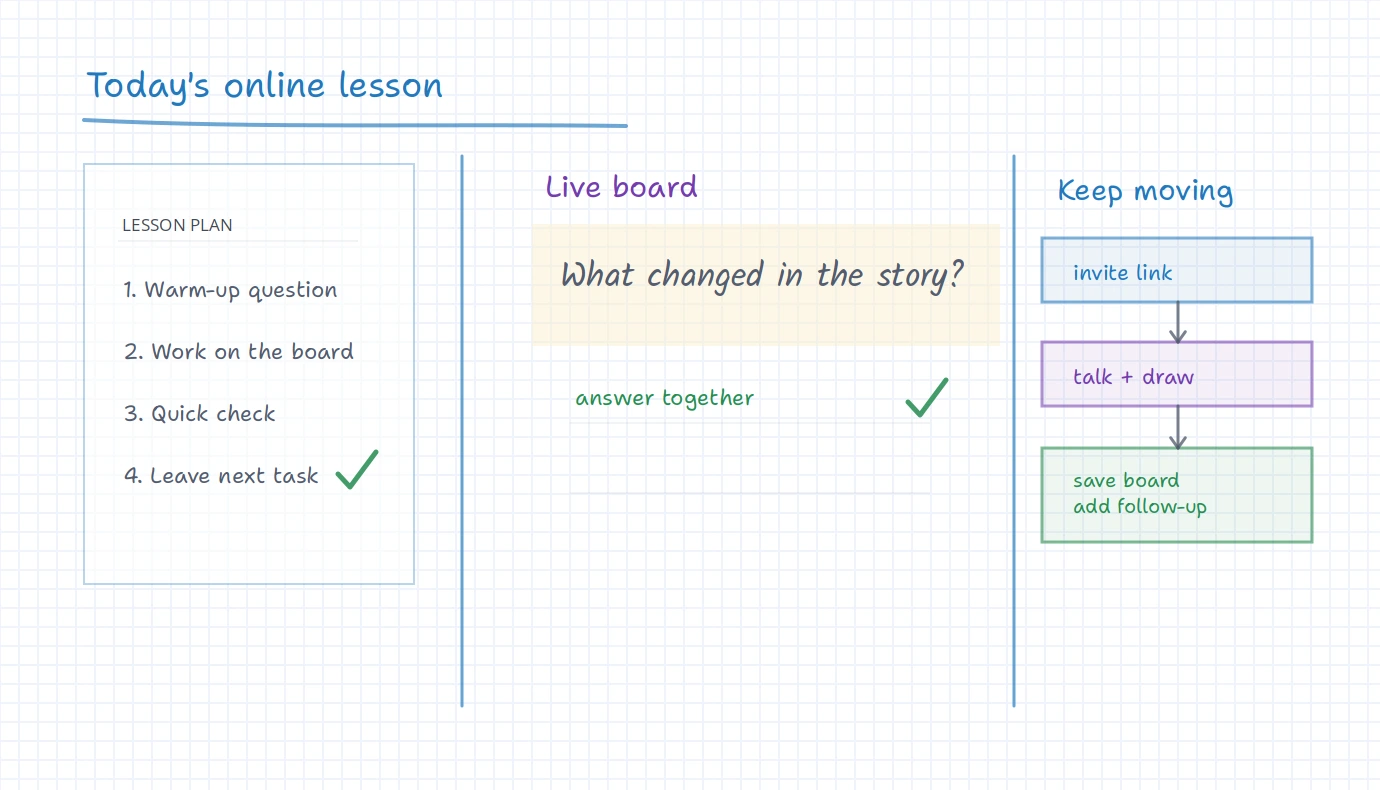
A live board matters, but the lesson also has a beginning and an ending. The teacher prepares material, brings students in, talks through the work, watches for participation, and decides what should happen next.
When those pieces live in different places, the lesson becomes harder to run. iDroo is useful because the board can be the visible center of the lesson while sharing, files, course material, assignments, and Study practice support the workflow around it.
A simple lesson rhythm
Prepare, invite, teach, and continue from the same workspace
The best online lesson setup is not complicated. It gives the teacher enough structure to start smoothly, enough room for students to respond, and a clear place for the next task.
Prepare the board
Start from a blank board, a saved board, an uploaded worksheet, or a few prompts you want to work through during the call.
Bring students in
Share access to the board or use a course/class workflow when students need a more regular place to find lesson material.
Work live together
Write, draw, discuss, annotate files, and leave space for students to try a step or add a response while the lesson is happening.
Leave a next step
Keep the board available, attach it to course material, add an assignment, or use Study practice when students need guided work after class.
During the call
Use the board as the visible lesson, not the only part of the lesson
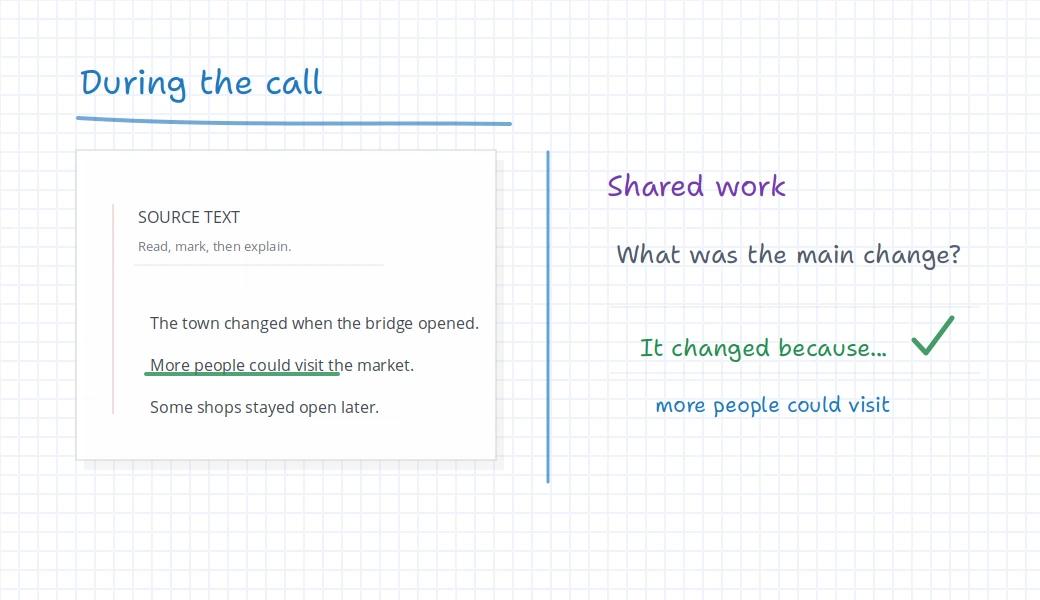
In a live online lesson, students need to see what the teacher is explaining and where they should participate. The board gives that shared visual surface. Audio-video, chat, files, and class structure can support the lesson without replacing the board.
That balance matters. If the call is only talking, the student has little to look back at. If the lesson is only a document, it can feel passive. A shared board gives the class somewhere to think, mark, correct, and summarize together.
What ties together
Use more structure only when the lesson needs it
Shared board
Use the board for the visible work: writing, drawing, images, diagrams, annotations, and student responses.
Live conversation
Teach while you talk, explain decisions as they happen, and keep the visual work in front of everyone.
Files and images
Bring in worksheets, screenshots, diagrams, reading passages, or prepared prompts instead of rebuilding everything during the call.
Courses and classes
Use more structure when students need a regular place for lesson boards, materials, progress, and recurring work.
Assignments
Turn the lesson into a clear next task when students should continue independently after the live session.
Study practice
Add guided practice when students need hints and step-by-step support rather than another static worksheet.
After the live lesson
Make the lesson easy to return to
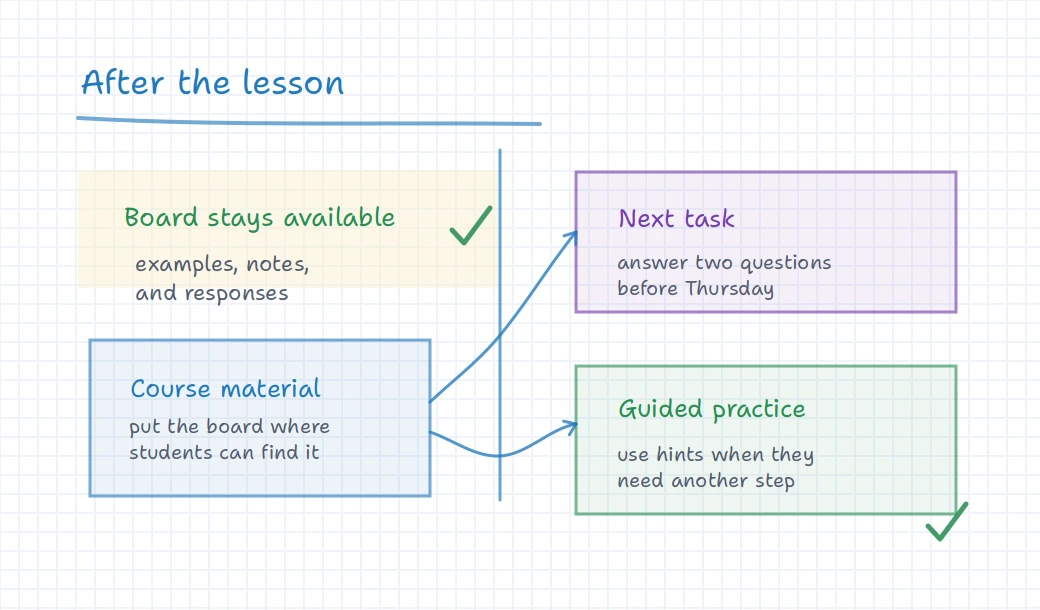
The most useful online lessons do not disappear when the call ends. Students may need the worked example, the corrected sentence, the diagram, or the teacher’s short reminder before they can do the next task.
With iDroo, that work can stay on the board. Teachers can keep it lightweight for a one-off lesson or connect it to courses, assignments, and Study practice when students need a more complete follow-up path.
Where it fits
Use the same core workflow at different levels of structure
A single online lesson
Open a board, share it, work through the material, and leave the important notes visible afterward.
Recurring tutoring
Return to previous boards, keep a running trail of useful examples, and add small tasks between sessions.
A small class or course
Organize boards, materials, assignments, and progress when students need a reliable place to continue learning.
Before you try it
Questions teachers ask about online lessons
Does this replace my video call?
Not necessarily. Many teachers use iDroo as the shared teaching surface while they talk with students. The important part is that the visible lesson work stays on the board.
How much setup do students need?
For a simple live lesson, the goal is to get students onto the shared board quickly. For recurring lessons, courses and classes can give students a more consistent place to return.
Can I bring existing lesson material?
Yes. You can use boards, images, documents, diagrams, worksheets, and prompts so the live lesson starts from material you already use.
What should happen after the call?
That depends on the lesson. Some teachers leave the board available for review. Others add an assignment, attach material to a course, or use Study practice for guided follow-up.
Try iDroo with your next online lesson
Start with one board and one real lesson. If students need more continuity, add course material, assignments, or guided practice from there.
Create your free account